Install CurseForge & join Minecraft
Follow the steps below on your phone or desktop to install CurseForge, download the modpack, and join the server.
Step 1: Install CurseForge
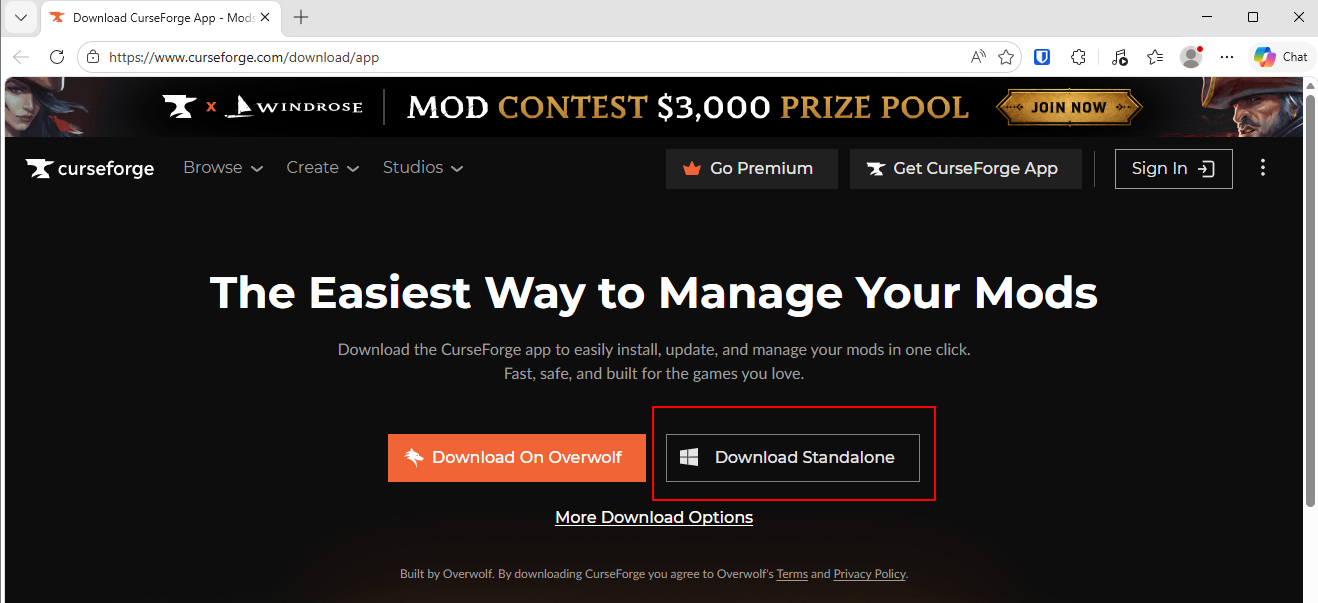
- Open your browser and go to https://download.curseforge.com/
- Download the CurseForge app for Windows or macOS.
- Either the Overwolf version or the standalone version will work, but the standalone version is all you need.
- Install the app and open it.
Step 2: Add Minecraft
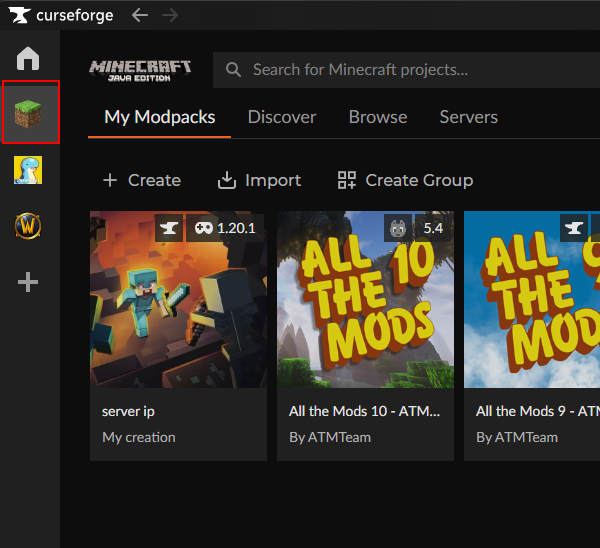
- In CurseForge, choose Minecraft.
- If needed, install the Minecraft Launcher and log in with your Mojang / Microsoft account.
Step 3: Download the modpack
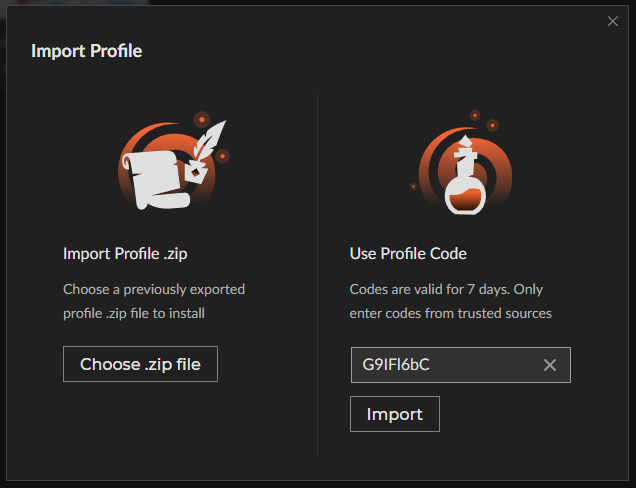
Use the import flow from the Minecraft modpacks section.
zYZUFHSl
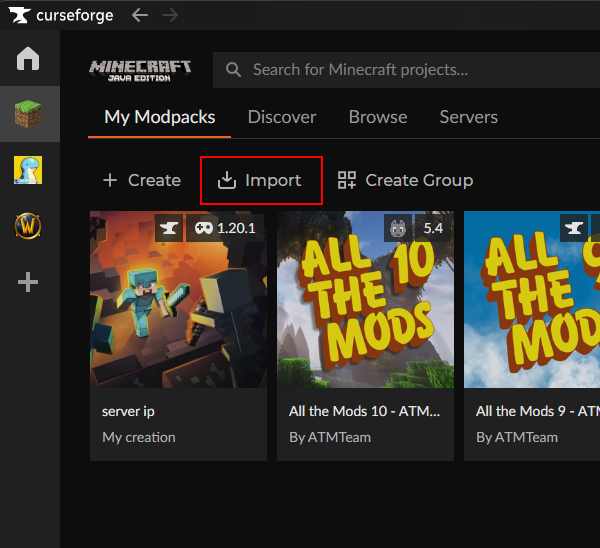
- In CurseForge, open My Modpacks.
- Click Import.
- Use the Use Profile Code section.
- Enter the code zYZUFHSl and click Import.
- When the pack appears, click Install.
Step 4: Launch and join the server
- Once installed, launch the modpack from CurseForge.
- Open Multiplayer in Minecraft.
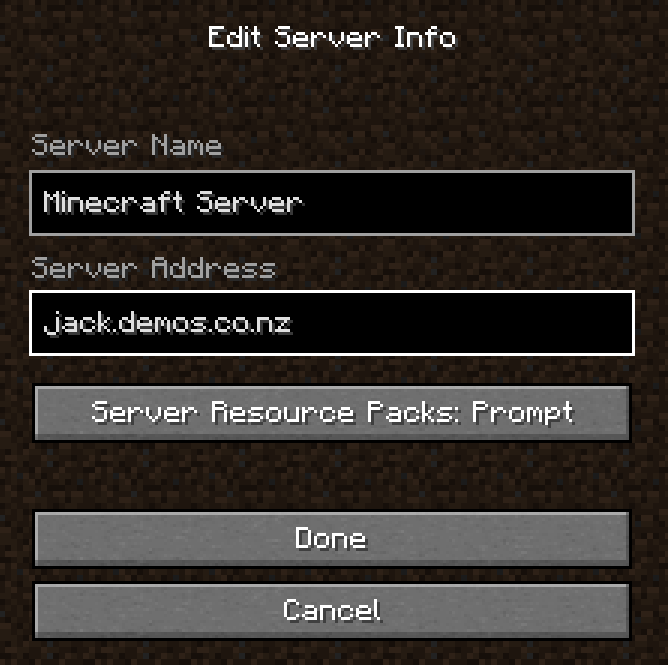
- Click Add Server and enter:
jack.demos.co.nz
Save the server entry, then join it.